Option 1: Administrator-Enforced MFA
As an admin, please follow these steps to enforce MFA for a user:
1. Log in to admin.microsoft.com.
2. Click on Users > Active users from the left panel.
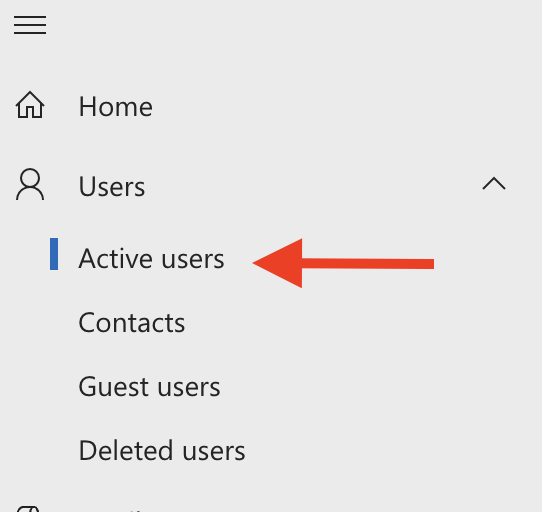
3. Click on Multi-Factor authentication to open a new tab.

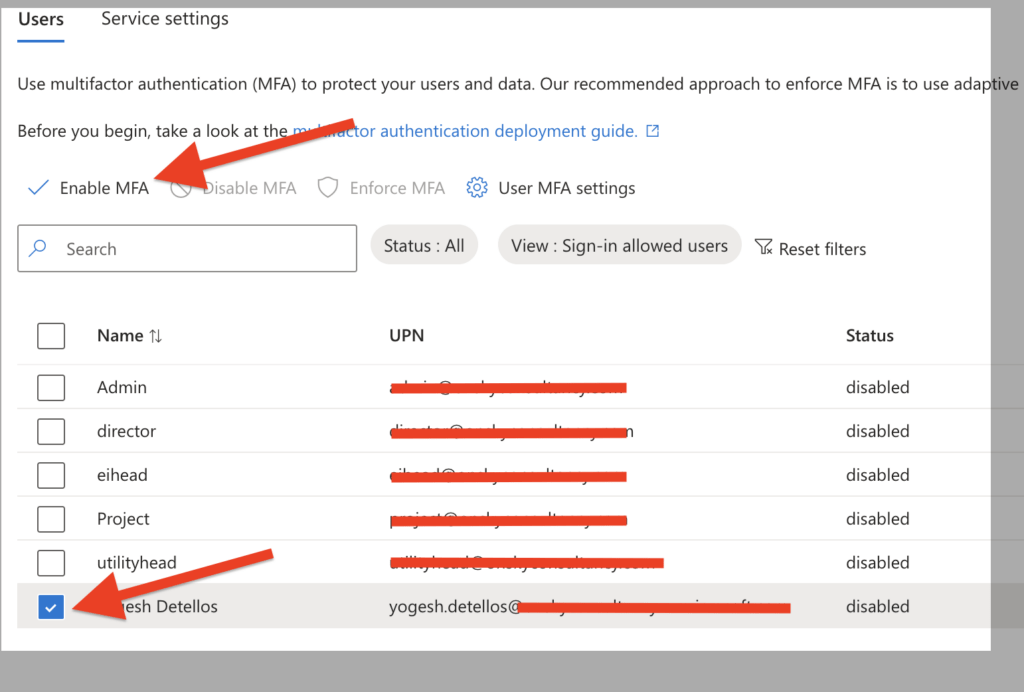
4. Search for the user and select the checkbox next to their name. You can select multiple users if needed.
5. Click Enable, and then click Enable multi-factor authentication in the pop-up window.
6. Upon their next login, the user will be prompted to follow the on-screen instructions to complete the setup.